·1h
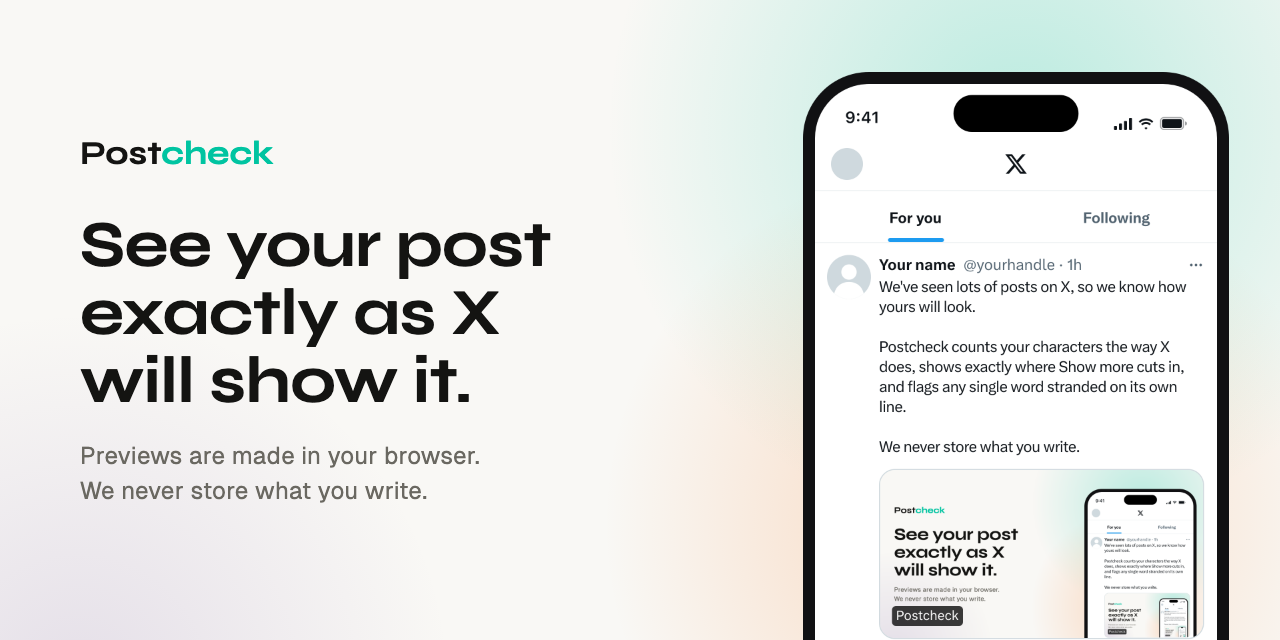
We've seen lots of posts on X, so we know how yours will look.
Postcheck counts your characters the way X does, shows exactly where "Show more" cuts in, and flags any single word stranded on its own line.
We never store what you write.
Postcheck is a free previewer for X (Twitter) posts. It draws your draft at true size, using column widths and line-break rules measured on x.com and in the X apps, so you see where the lines fall and what gets cut before anyone else does. Its rendering rules come from real posts captured on x.com, an iPhone and an Android phone.
A script or an AI agent can check a draft too. It gets back the tips on this page and the lines each phone and x.com show before Show more, worked out from X’s font metrics without a browser.
curl -s \
  https://postcheck.vibewatch.io/api/check \
  -H 'content-type: application/json' \
  -d '{"text": "Your post"}'
The body takes text (**bold** and __italic__ mark Premium styling unless plain is true), badge (none, blue, gold or gray), phone and web (the views the tips cover), devices (which line breaks to return; every timeline by default), media (each item’s kind, width and height, no file needed) and poll (2 to 4 choices).
The answer has ok (false when any tip is a fix), advice, and for each device the lines a reader sees before any tap, showMore and dangling. fidelity is exact when every line was measured in X’s font and every lookup answered. Otherwise it is approximate and notes say why, such as text X’s font doesn’t cover (emoji, Arabic, CJK, Thai), which each phone draws in its own fonts, or a link or quoted post that couldn’t be looked up.
For Claude or any other MCP client, add https://postcheck.vibewatch.io/api/mcp as a remote server. Its tools are check_post, which takes the same fields and answers with a readable report (or the JSON above when format is json), and list_devices, which lists the device ids.
claude mcp add --transport http postcheck \
  https://postcheck.vibewatch.io/api/mcp
Both are open to anyone, with a per-IP rate limit. Unlike this page, they receive the post’s text, use it for that one answer, and never store or log it. They look up the post’s first link and any quoted post the same way this page does.
Something doesn’t match what X shows? Tell us on GitHub.